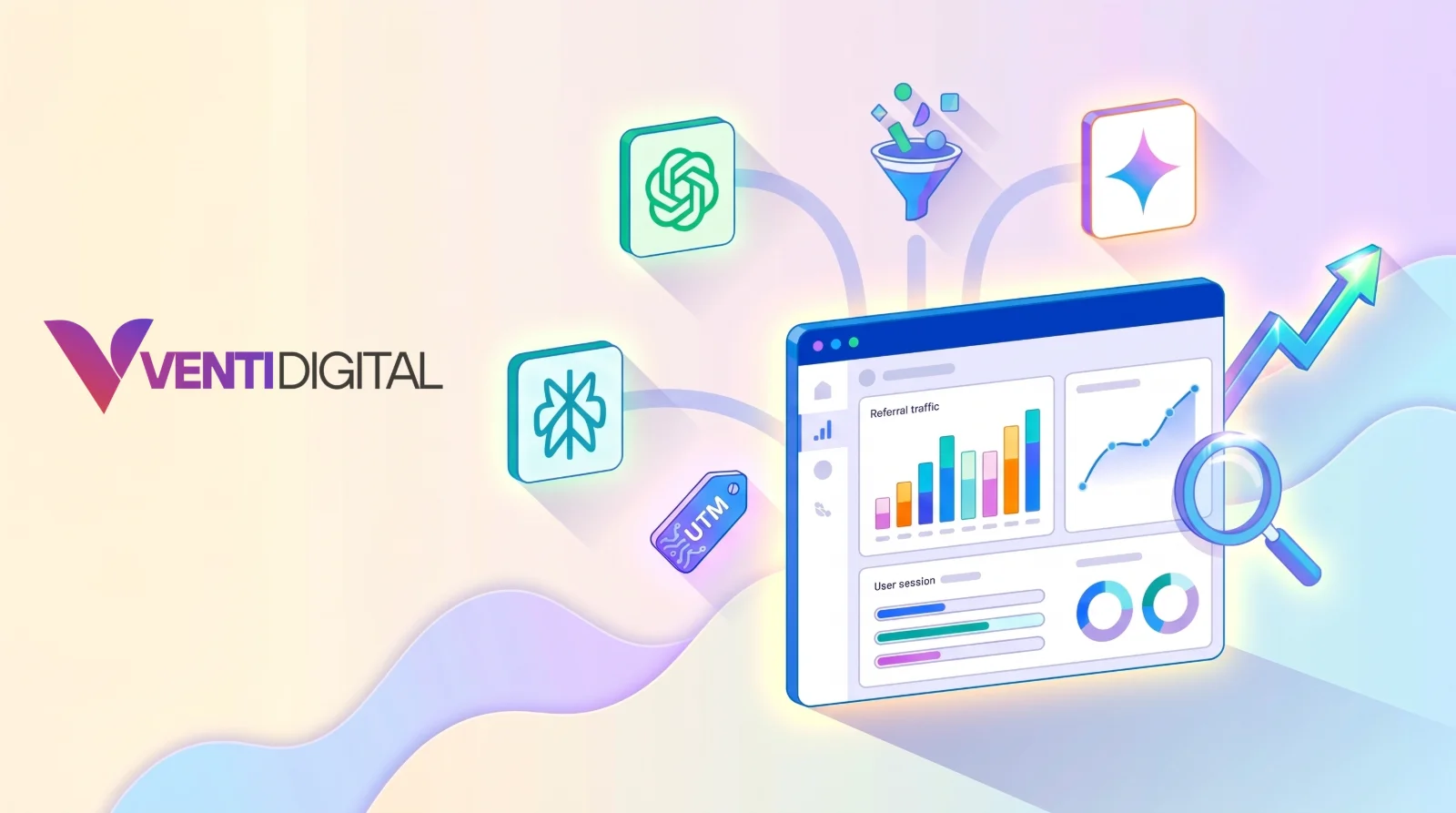
More and more people find websites through answers from ChatGPT, Gemini, or Perplexity. The question is how many visits actually come from there, which pages they land on, and whether these visitors become customers.
Google Analytics 4 now has a built-in way to answer part of that. This guide covers the AI Assistant channel Google added in May 2026, its limits, how to complement it with a custom channel group, and how to read the data for business decisions.
Key Takeaway: How Do You Track AI Traffic in GA4?
Since 13 May 2026, GA4 has an AI Assistant channel in the Default Channel Group. Visits whose referrer is recognized as an AI assistant get the medium ai-assistant and land in this channel automatically, with no setup required. To cover sources it does not recognize, such as Perplexity, create a custom channel group with a regular expression rule. Keep in mind that some AI visits carry no referrer and still show up as Direct.
The AI Assistant Channel in GA4
According to Google Analytics' official release notes dated 13 May 2026, GA4 now offers a dedicated way to measure traffic from popular AI assistants. The changes:
- Medium: a new
ai-assistantvalue is assigned automatically when the referrer matches a recognized AI assistant. - Channel group: these visits are grouped under the AI Assistant channel.
- Campaign: traffic from these sources is given the campaign name
(ai-assistant).
The Default Channel Group documentation says the AI Assistant channel covers visits from sources like ChatGPT, Gemini, DeepSeek, Copilot, or Grok, and the release notes also mention Claude. Importantly, the channel excludes Google AI Overviews and AI Mode. Clicks from those features still count as Google search traffic.
Limits to Understand
The built-in channel is very helpful, but it does not capture all AI traffic:
| Limit | Effect |
|---|---|
| Classification relies on the referrer | Visits without a referrer, such as from some apps, still show as Direct |
| Only sources on Google's list | AI assistants not named on the list, such as Perplexity, still show as Referral |
| Excludes AI Overviews and AI Mode | The contribution of Google's AI features cannot be separated from regular organic search in GA4 |
| Only records clicks | A brand mentioned by AI but not clicked is invisible |
Some ChatGPT links also carry a utm_source=chatgpt.com parameter, but third-party testing shows it is not always present. Do not rely on it as the only signal.
Complementing It with a Custom Channel Group
A custom channel group lets you define your own rules, for example to add Perplexity and other AI assistants that are not yet recognized. Google's documentation says custom channel groups can be applied to reports retroactively, so older data is regrouped in reports too.
The steps:
- Go to Admin, then Data display, then Channel groups.
- Create a new channel group, ideally by copying the Default Channel Group so other channels stay the same.
- Add a new channel, for example named AI Tools.
- Set the condition: Source matches the regular expression below, and add a Medium exactly matches
ai-assistantcondition with OR logic. - Move this channel above Referral. GA4 assigns each session to the first matching channel, so if Referral comes first, AI sessions will land there.
- Save, then use this channel group in your traffic acquisition reports.
An example regular expression for the Source condition:
(chatgpt\.com|chat\.openai\.com|perplexity\.ai|gemini\.google\.com|copilot\.microsoft\.com|claude\.ai|chat\.deepseek\.com)Avoid overly loose patterns such as just ai, which will match many unrelated domains.
Reading AI Traffic Data
Once the channel is in place, use the Traffic acquisition report or Explorations to answer these questions:
| Question | Where to look |
|---|---|
| How many visits come from AI, and what is the trend? | Traffic acquisition with the channel group dimension, compared month over month |
| Which AI assistant sends the most visitors? | Add the Session source dimension |
| Which pages do AI visitors land on? | An exploration with the Landing page dimension, filtered to the AI channel |
| Do AI visitors become leads? | Compare key events and conversion rate for the AI channel with Organic Search |
| How engaged are AI visitors? | Compare average engagement time and engaged sessions |
Pages that AI frequently sends people to show which content is considered worth citing. Study the pattern, such as whether those pages contain clear definitions, tables, or direct answers, and apply it to other pages that matter to the business.
Measuring What GA4 Cannot See
GA4 only records people who click. Many AI users get their answer without opening a website. To fill in the picture:
- Track brand searches in Google Search Console. Rising brand searches can signal that your brand is being mentioned more often, including by AI.
- Regularly record whether your brand is mentioned when you ask ChatGPT, Gemini, and Perplexity your main category questions.
- Ask new leads where they found you, for example with a "ChatGPT or another AI assistant" option in your contact form.
AI Traffic Tracking Checklist
| Step | What to confirm |
|---|---|
| Built-in channel | The AI Assistant channel appears in Default Channel Group reports |
| Custom channel group | Extra sources like Perplexity are covered with a precise regex |
| Order | The AI channel sits above Referral |
| Key events | Conversions are set up so AI traffic quality can be judged |
| Landing pages | Pages AI sends visitors to are reviewed regularly |
| Beyond GA4 | Brand searches and mentions in AI answers are monitored |
Conclusion
GA4's AI Assistant channel makes traffic from ChatGPT, Gemini, and other AI assistants far easier to measure. Complement it with a custom channel group for uncovered sources, tie it to key events to judge quality, and also watch signals outside GA4, because not every AI influence takes the form of a click.
To learn how to get your content cited by AI more often, read how ChatGPT, Perplexity, and Gemini select citations.
Frequently Asked Questions
Does ChatGPT traffic show up in GA4 automatically?
Yes. Since May 2026, visits with a referrer from recognized AI assistants, including ChatGPT, go into the AI Assistant channel automatically. Visits without a referrer still show as Direct.
Does traffic from Google AI Overviews go into the AI Assistant channel?
No. Google's documentation says the AI Assistant channel excludes AI Overviews and AI Mode.
Why does Perplexity traffic still show as Referral?
Because Perplexity is not named in the AI Assistant channel's source list in Google's documentation. Add it to a custom channel group to group it with other AI sources.
Does a custom channel group change historical data?
Google's documentation says custom channel groups can be applied to reports retroactively, so historical data is regrouped in reports.
Sources and References
- Google Analytics Help: What's new in Google Analytics (AI Assistant traffic measurement, 13 May 2026)
- Google Analytics Help: Default channel group
- Google Analytics Help: Custom channel groups
- Google Analytics Help: Mark events as key events
- Seer Interactive: Are AI sites like ChatGPT sending your website traffic?